Why text on your screen isn't always selectable
3 min read
You expect text to be selectable. Click, drag, copy. It works almost everywhere. Until it does not.
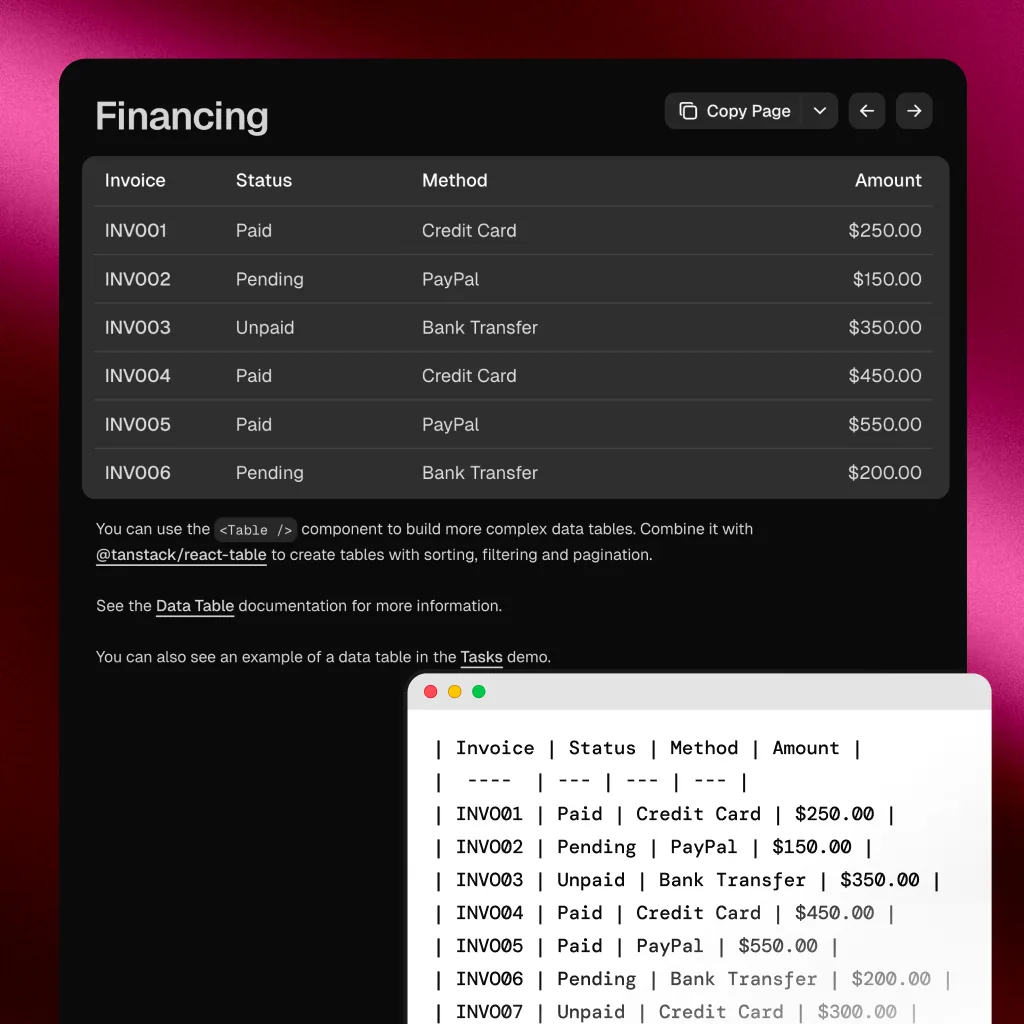
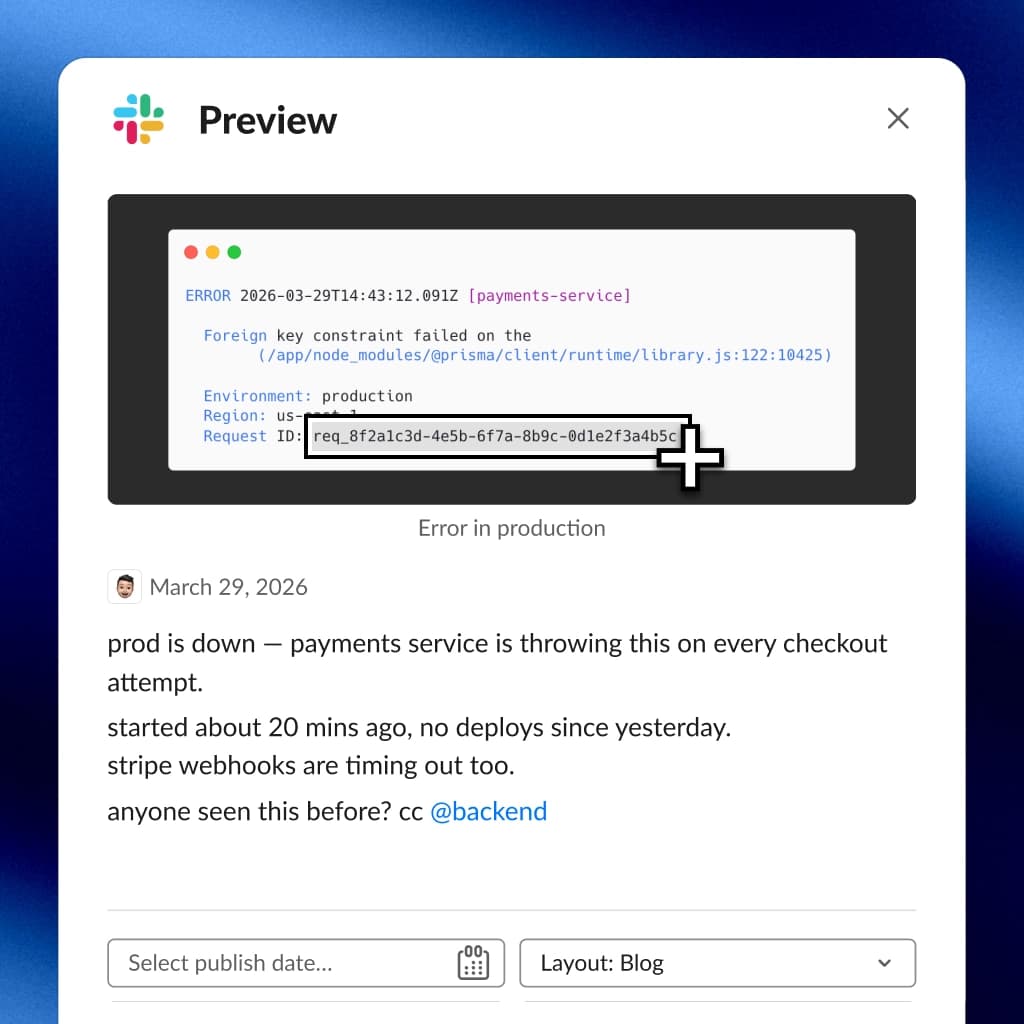
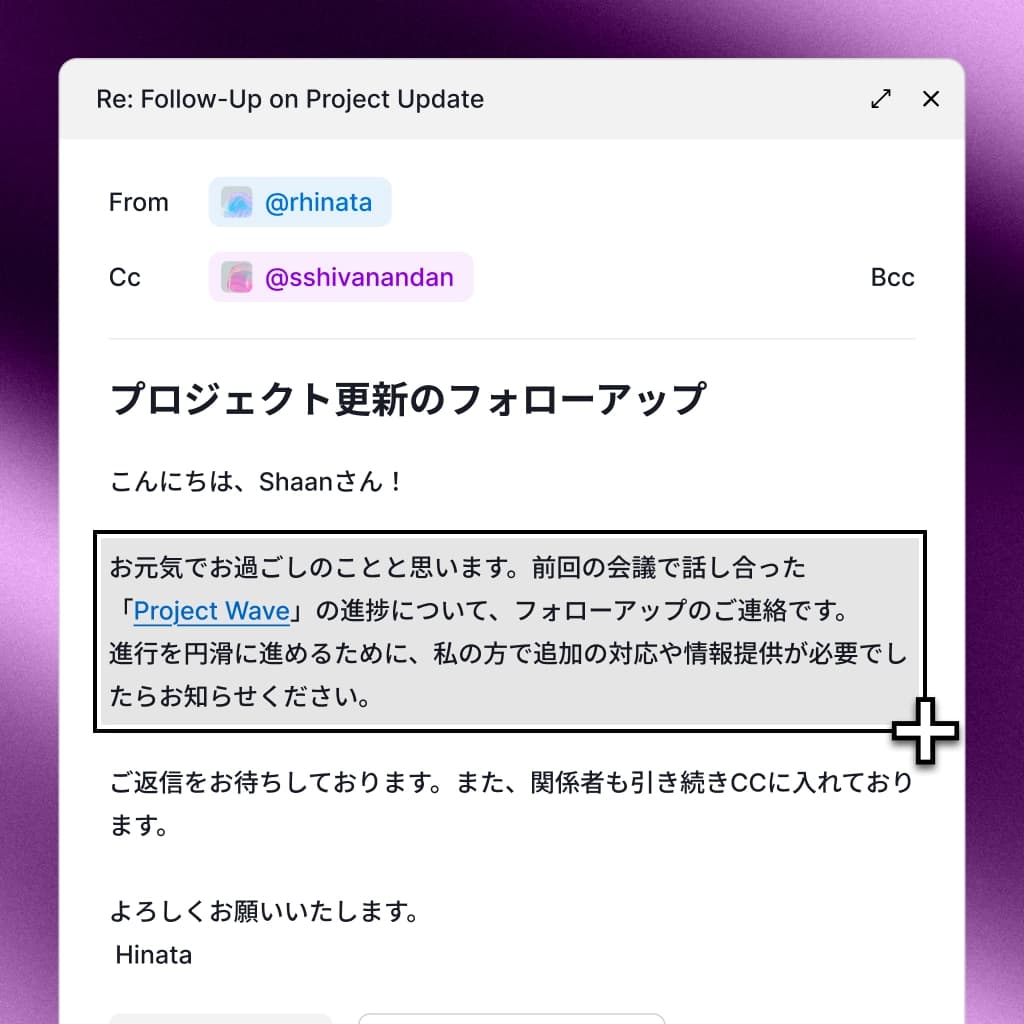
You are looking at a screenshot. The text is right there. But you cannot highlight it. You try a scanned PDF. Same problem. You pause a video on a frame with a URL. No way to grab it.
This is not a bug. It is a fundamental distinction in how computers represent information.
Two kinds of "text" on your screen
Everything on your display is rendered as pixels. But there is a critical difference between two types of content:
Structured text exists as character data. A webpage stores the letter "A" as a character code. Your system knows it is a letter, where it starts and ends, and how to interact with it. This is what you can select, copy, and paste.
Visual text exists only as pixel patterns. An image of the letter "A" is just colored dots. Your system has no idea there is a letter there. It sees the same thing it sees when looking at a photo of a tree.
The difference is invisible to you, but it determines whether you can interact with the text.
Where you run into this
The boundary shows up in more places than you might expect:
- Screenshots and screen recordings. The original app had selectable text. The screenshot does not.
- Scanned PDFs. A PDF from a Word document has selectable text. A PDF from a scanner does not.
- Video overlays and subtitles. Hardcoded subtitles are burned into the video. You cannot interact with them.
- App interfaces in images. Someone shares a photo of their screen, a mockup, or a design file preview. The text is frozen.
- Social media posts shared as images. Tweets screenshotted, code snippets as photos, text quotes as graphics.
Why built-in detection is not enough
Modern operating systems have started adding text detection in specific contexts. You might notice it in Photos, Preview, or Safari. But this detection is:
- Context-dependent. It only works in apps that have integrated it.
- Inconsistent. Some apps detect text reliably, others miss it entirely.
- Non-universal. There is no system-wide way to select text from any pixel on screen.
The gap between "I can see text" and "I can use text" remains wide.
Bridging the gap
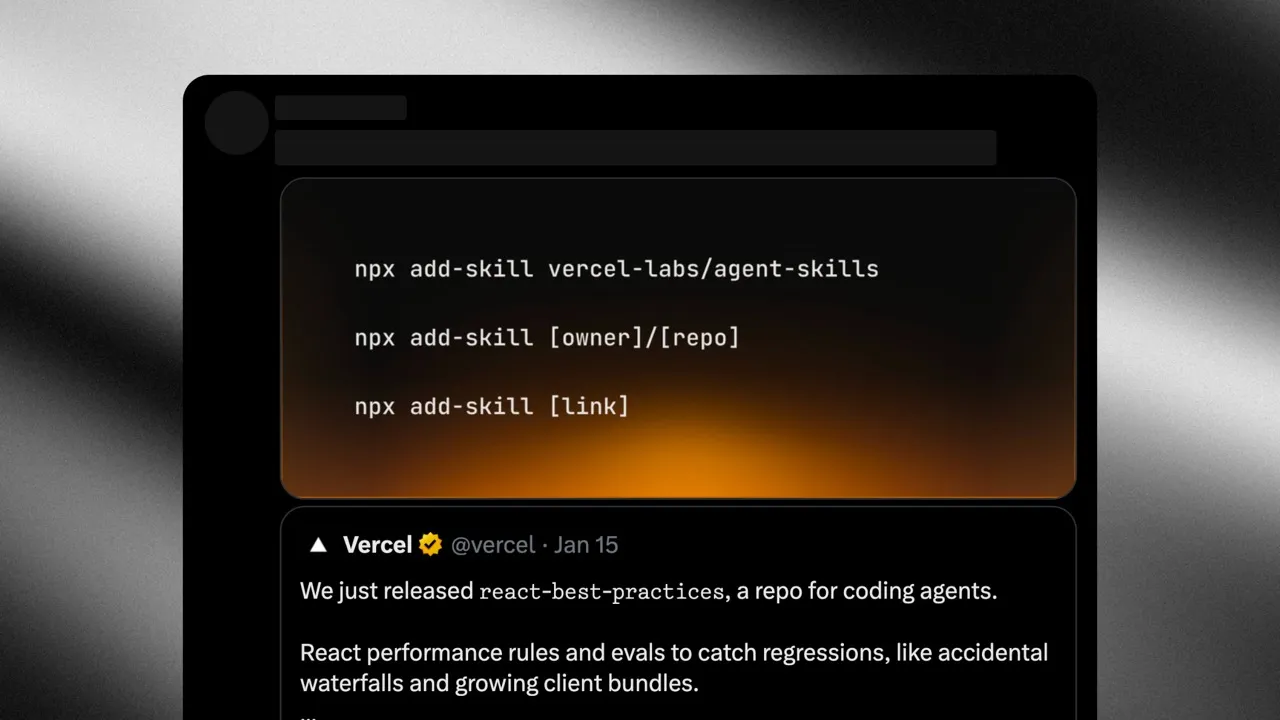
OCR converts visual text back into structured text. It analyzes pixel patterns and identifies characters, words, and lines.
Selectable uses Apple's Vision framework to do this entirely on your Mac. No cloud connection. You press a shortcut, drag over the text, and it is recognized instantly. Any pixel, any app, any context.
The question changes
You stop asking "Can I select this?" and start asking "Can I see it?"
If text is visible on your screen, it is usable. The format does not matter. The app does not matter. The distinction between structured and visual text becomes irrelevant.