Copy text from images and videos on Mac
2 min read
Text on your screen is not always selectable.
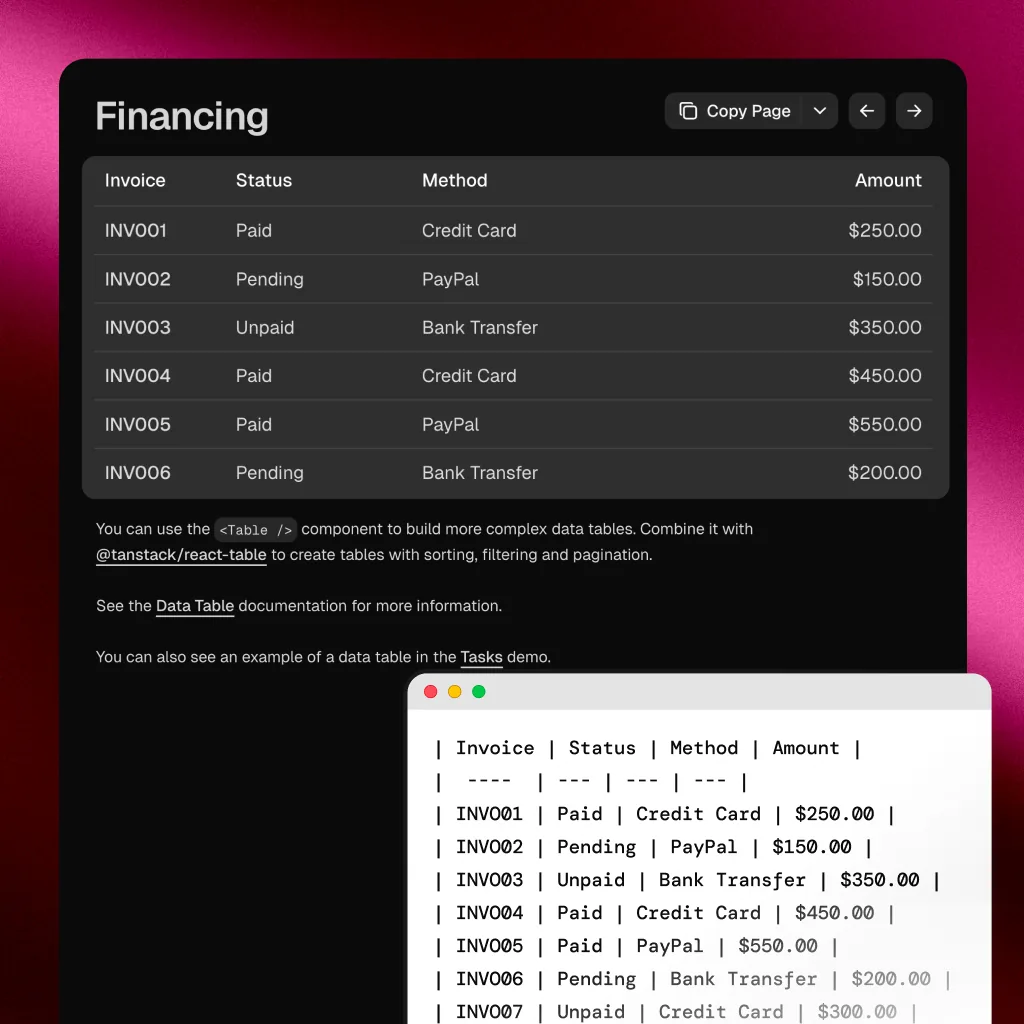
You can copy text from a webpage or document. But once it is inside an image, a screenshot, or a video frame, it becomes static. You cannot select it. You end up retyping it.
This shows up everywhere:
- Screenshots shared in Slack or iMessage
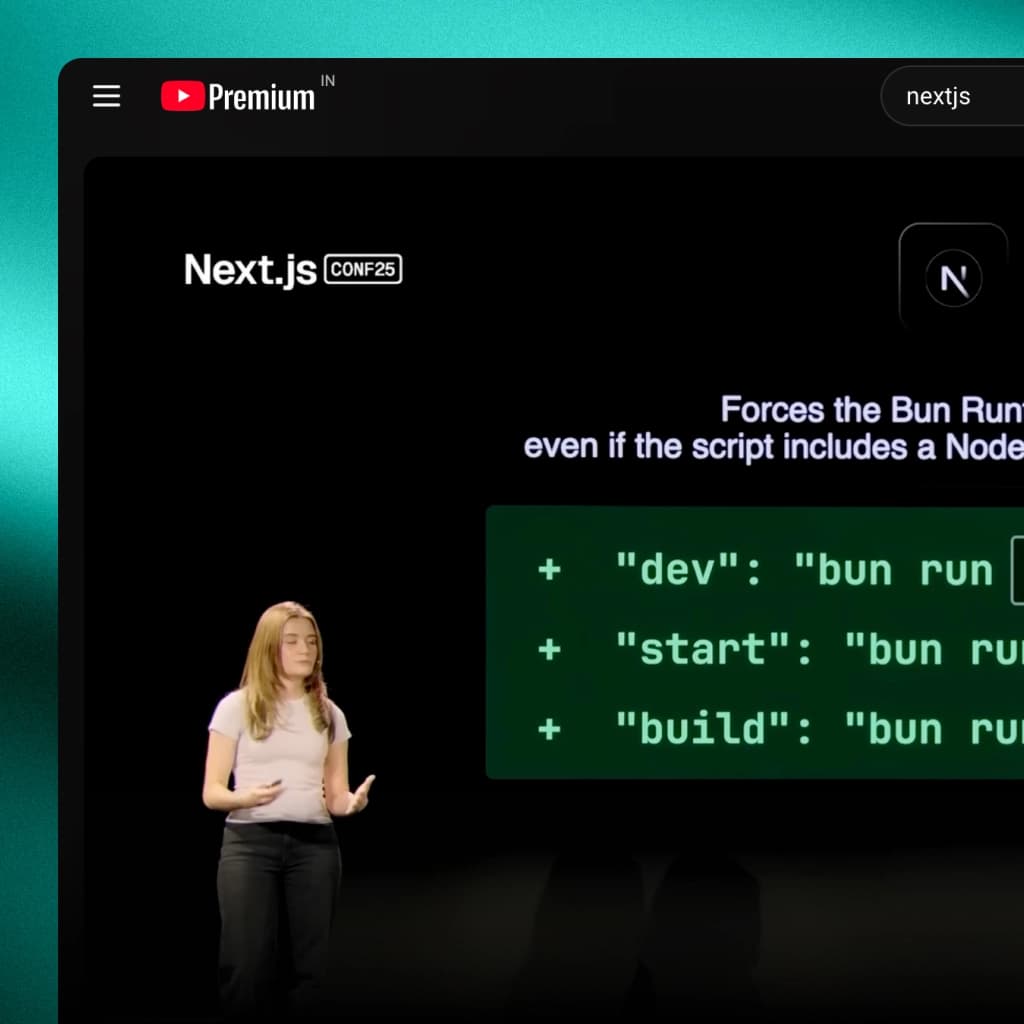
- Subtitles burned into video
- UI text inside app previews and mockups
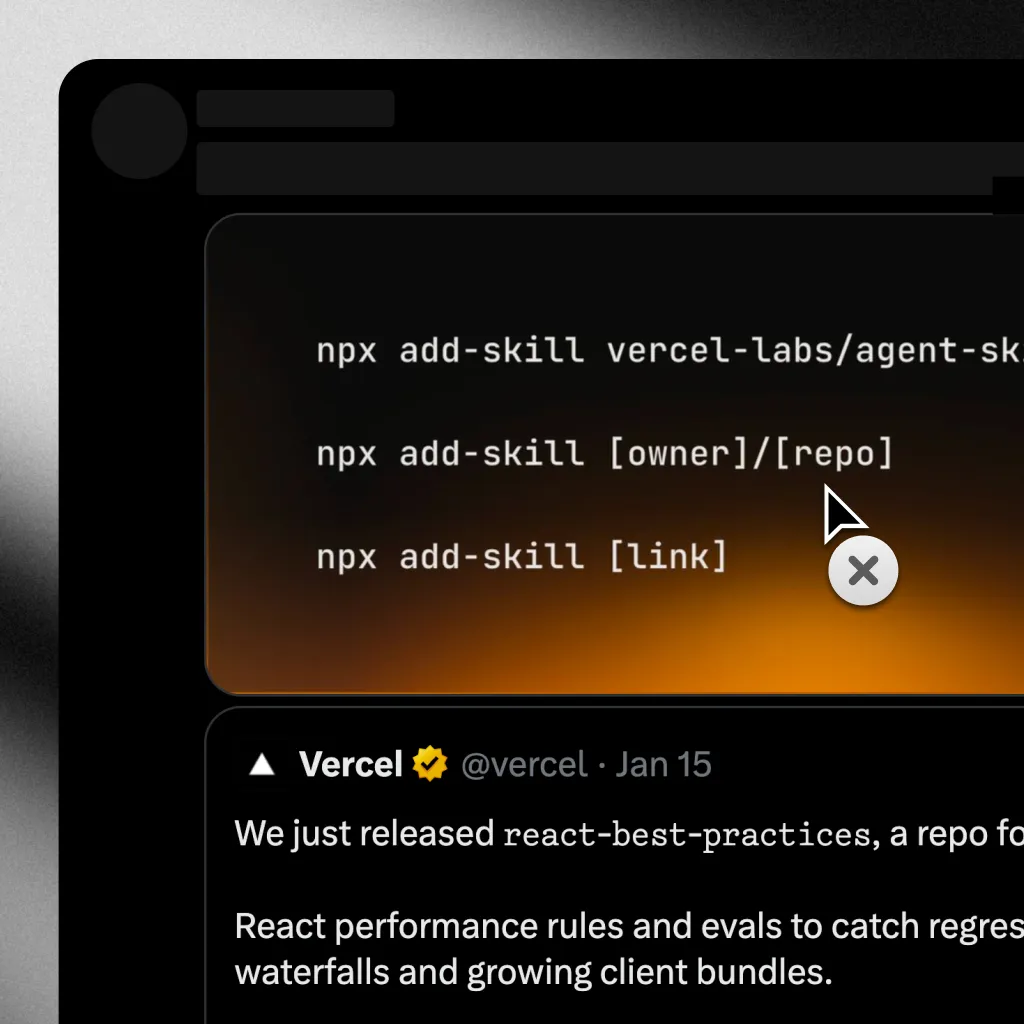
- Code snippets shared as images on social media
Why your Mac cannot select this text
Your Mac only understands text when it exists as character data. Inside images and videos, there are no characters. There are only pixels arranged in shapes that look like letters to you. Your Mac sees color values, not words.
Some apps try to bridge this with built-in text detection, but it is inconsistent. It depends on the app, the format, and how the content was rendered.
Extracting text from anything on screen
The solution is to treat your entire screen as a source of selectable text. Instead of relying on individual apps, you use on-device OCR to read text directly from pixels.
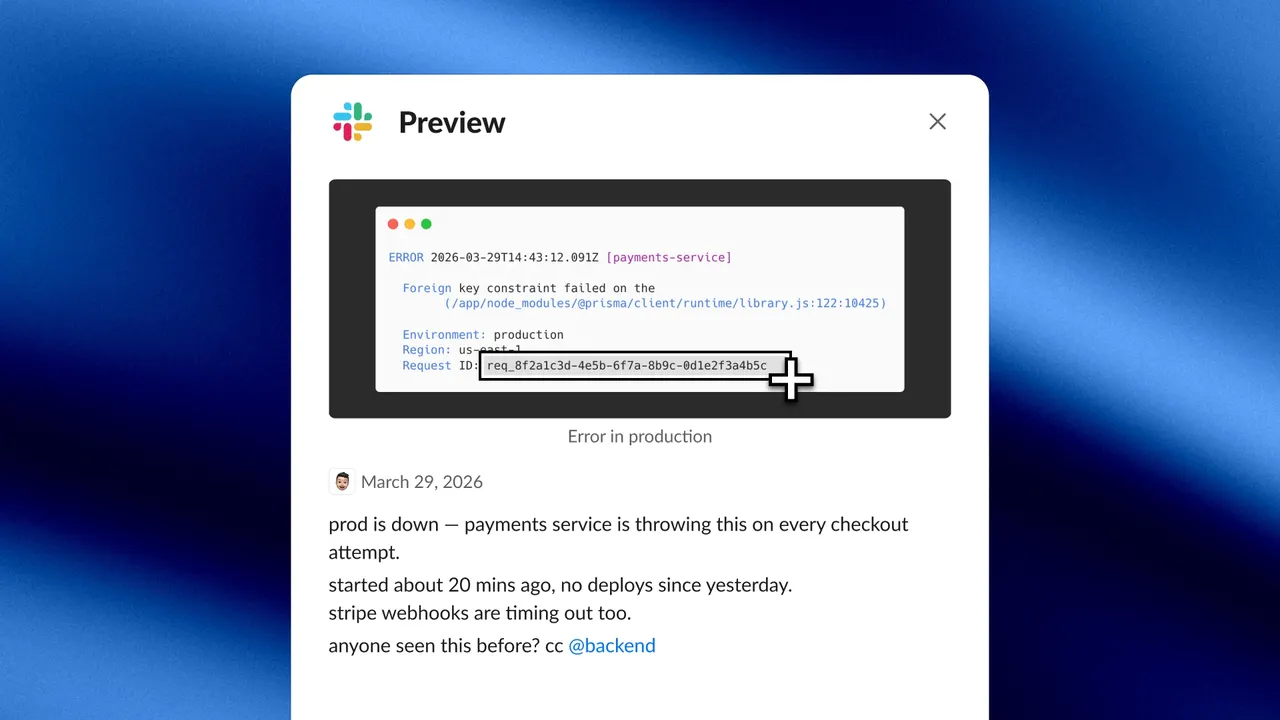
Selectable runs entirely on-device using Apple's Vision framework. No cloud processing, no data leaves your Mac. The flow is simple:
- Press your capture shortcut
- Drag over any text you see on screen
- The text is recognized and copied to your clipboard
It does not matter if the text is inside an image, a paused video, a design file, or a locked PDF. If you can see it, you can capture it.
What this unlocks
- Screenshots become searchable. Someone shares a screenshot of an error log? Capture the text, paste it into your search bar.
- Video becomes a text source. Pause on a frame with a URL, a code snippet, or a subtitle. Capture it.
- Images stop being dead ends. Text in infographics, diagrams, and social media posts is suddenly usable.
- Retyping disappears. Every time you would have manually typed out text from a visual source, you just capture instead.
The new default
Text should not be locked behind pixels. If you can see it, you should be able to use it.