How to extract text from videos on Mac
2 min read
Videos contain more readable text than most people realize.
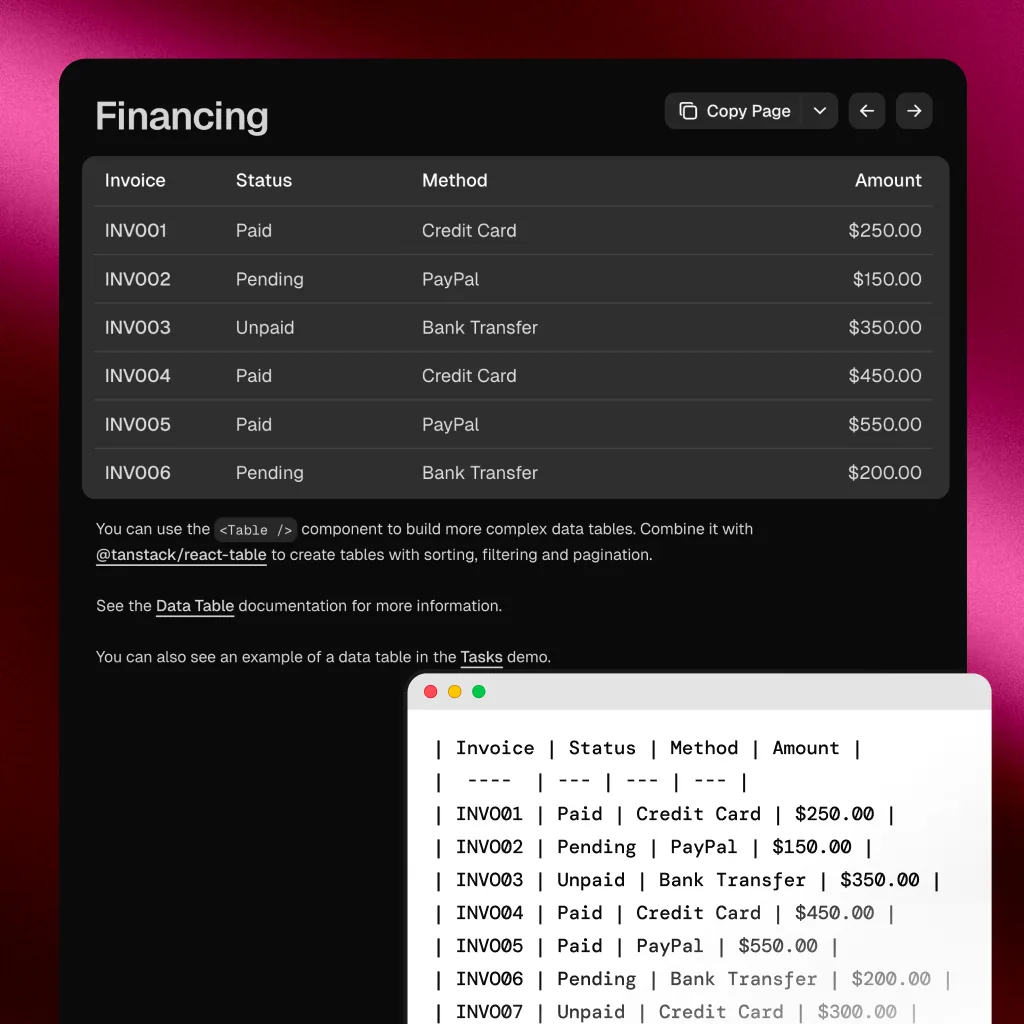
Subtitles. Chapter titles. URLs in tutorials. Code on screen in programming videos. Presenter slides. Terminal output. Error messages. Configuration values.
All of it is visible. None of it is selectable.
The problem
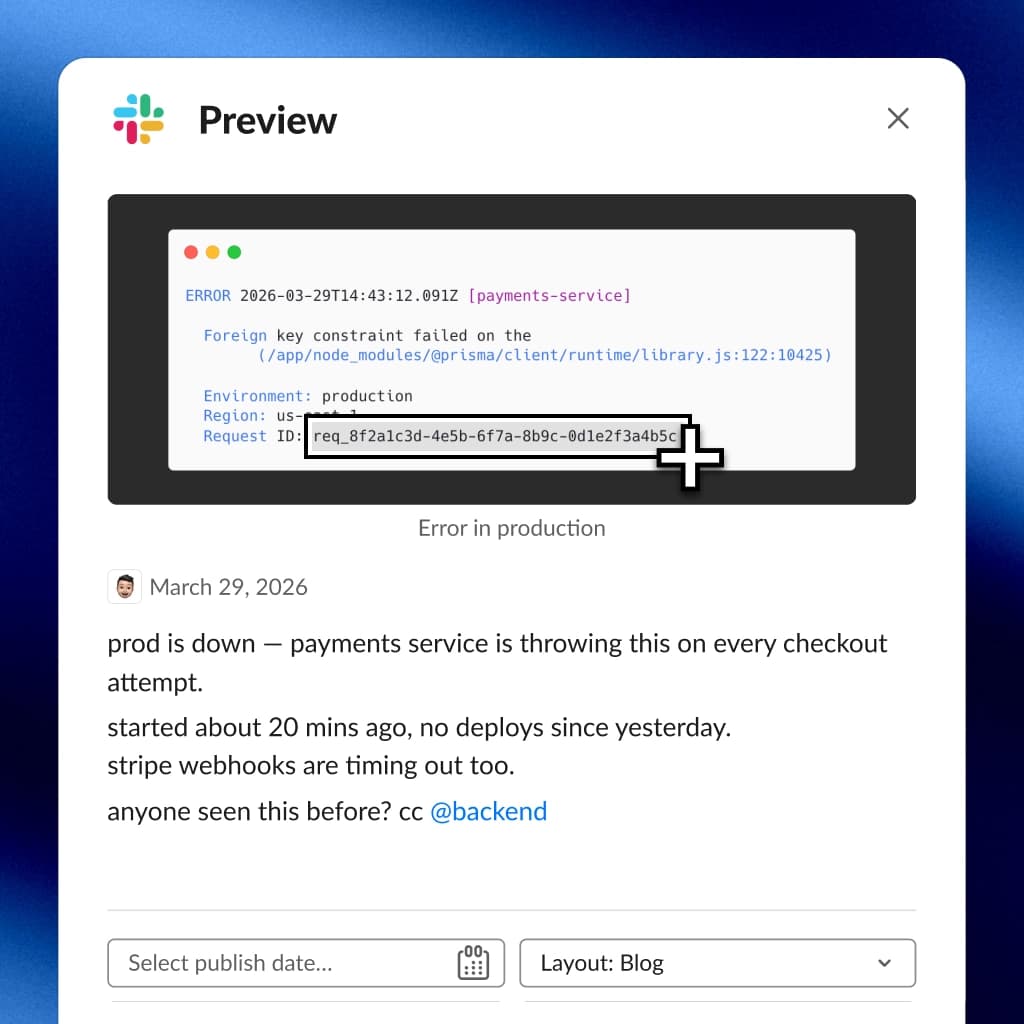
Every video frame is a grid of pixels with no text layer. When you pause and see a URL you want to visit, or a code snippet you want to try, there is no way to grab it.
What people do instead:
- Screenshot and retype. Slow and error-prone.
- Look it up. Try to find the same information elsewhere. Sometimes impossible.
- Skip it. Decide it is not worth the effort. This happens more than anyone admits.
The problem is getting worse as more content moves to video.
Extracting text from video frames
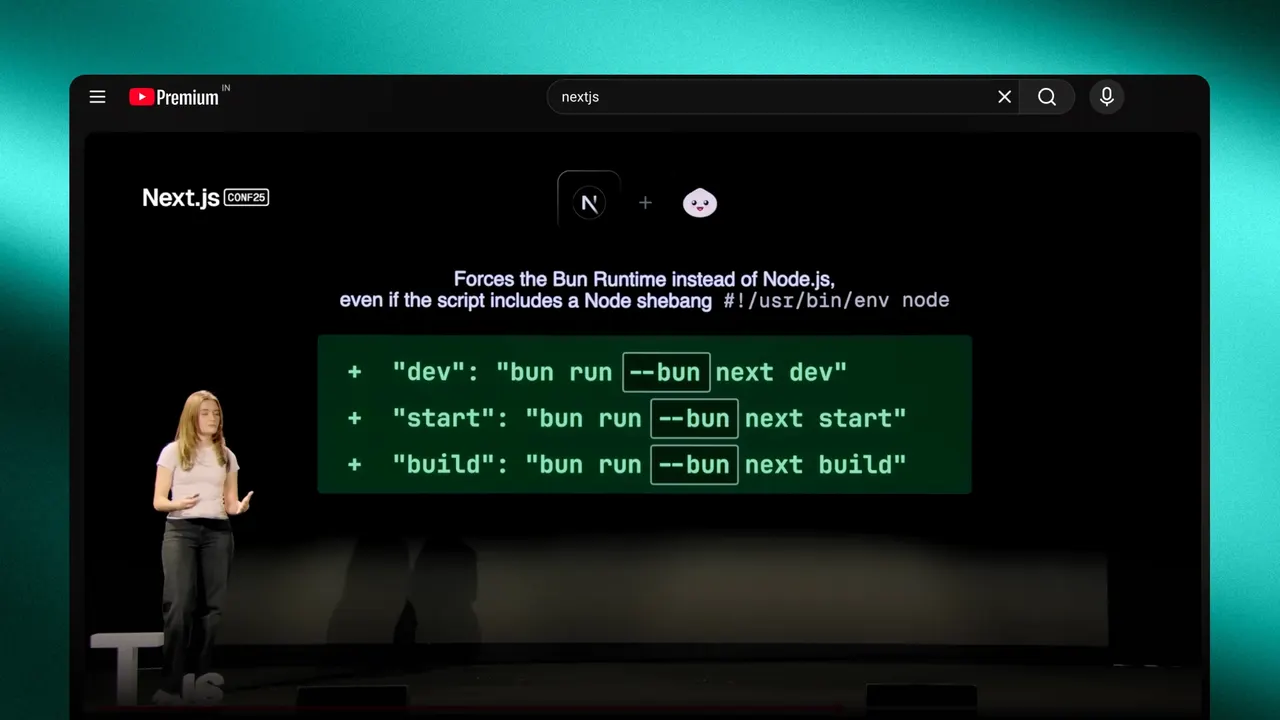
Pause the video, capture the text, move on:
- Pause on the frame with the text you need
- Press your capture shortcut
- Drag over the text
- It is recognized and copied to your clipboard
Works with any video player. Safari, Chrome, VLC, QuickTime, IINA. Selectable reads from the screen, not from the video file.
Where this matters most
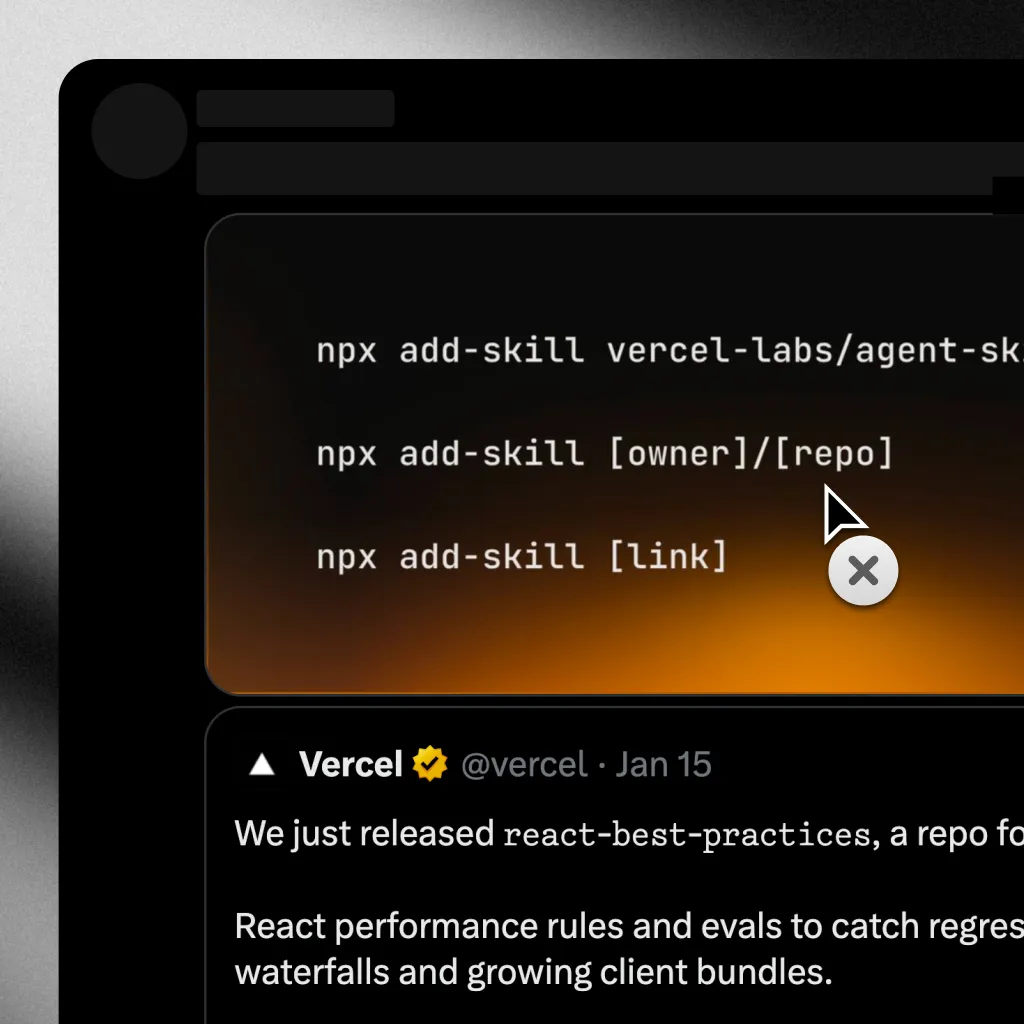
Coding tutorials. A presenter types a command or shows a config file. Capture it directly. No typos, no missing characters.
Presentations and slides. A conference talk shows a slide with a URL or reference. Capture it instead of taking a blurry photo of your screen.
Subtitles and captions. Hardcoded subtitles are burned into the video. Capture them visually.
Terminal output in screencasts. Log output, stack traces, file paths. Dense text that is painful to retype but trivial to capture.
Meeting recordings. Someone shared their screen during a recorded call. The recording is just pixels now. Capture what you need from the playback.
You are not limited to paused frames
If the text is on screen long enough to drag over, Selectable will capture it. Live streams, video calls, real-time content.
For fast-moving text, pausing gives a clean capture. For static overlays and persistent UI elements, capture on the fly.
Video becomes interactive
When you can pull text out of any frame, video stops being passive. URLs you can visit, commands you can run, references you can follow up on.